1.3. Import from DB
Import from the start screen
The start screen provides steps to create a new project from an existing database structure.
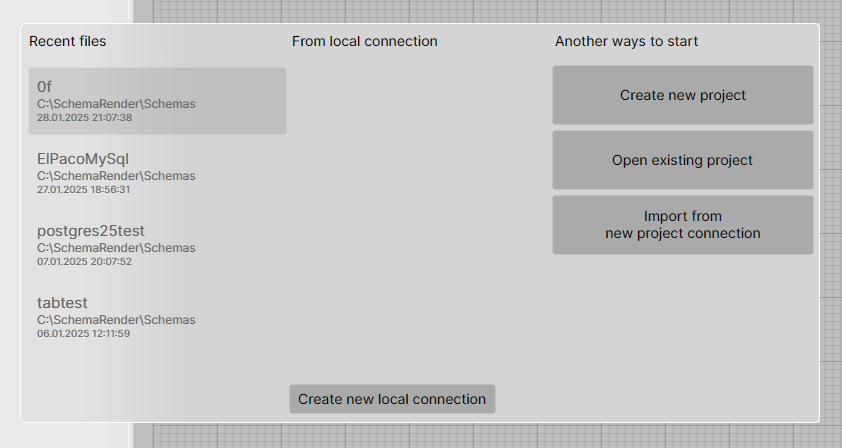
You can use the Import from new project connection button, or create a new local connection and select it to create a project from that connection.
Import to an existing project
There are two ways to import a database structure into an existing project:
- Via the Model menu → Import from Database
- Using the Synchronize with DB option from the context menu in the Project Explorer
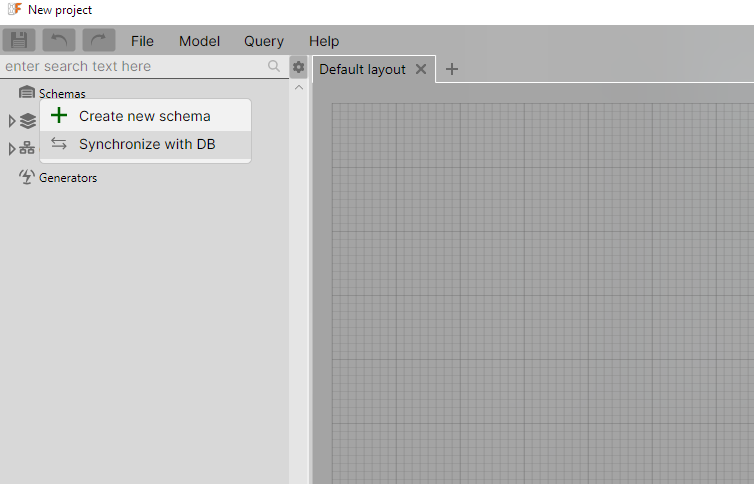
Both methods require an active connection.
The Synchronize action, unlike Import, shows a project diff window after the database structure is loaded.
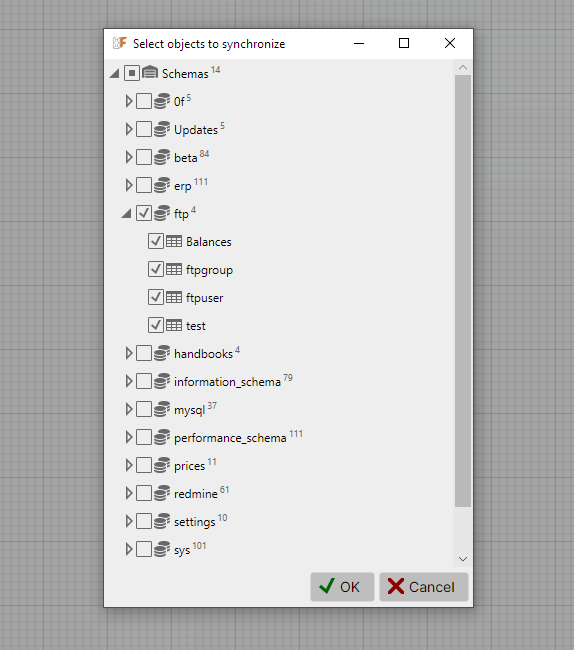
Select structures
The first phase loads schemas and tables from the connection and allows you to choose which ones to process. You can select entire schemas or individual tables.
The second phase performs the actual operation. OrmFactory retrieves detailed information from the database, and a progress bar is shown during this process.